

AINest-Pro
Next-Generation Nesting Algorithm!
Maximum Yield!
&
Drastically Faster Processing!
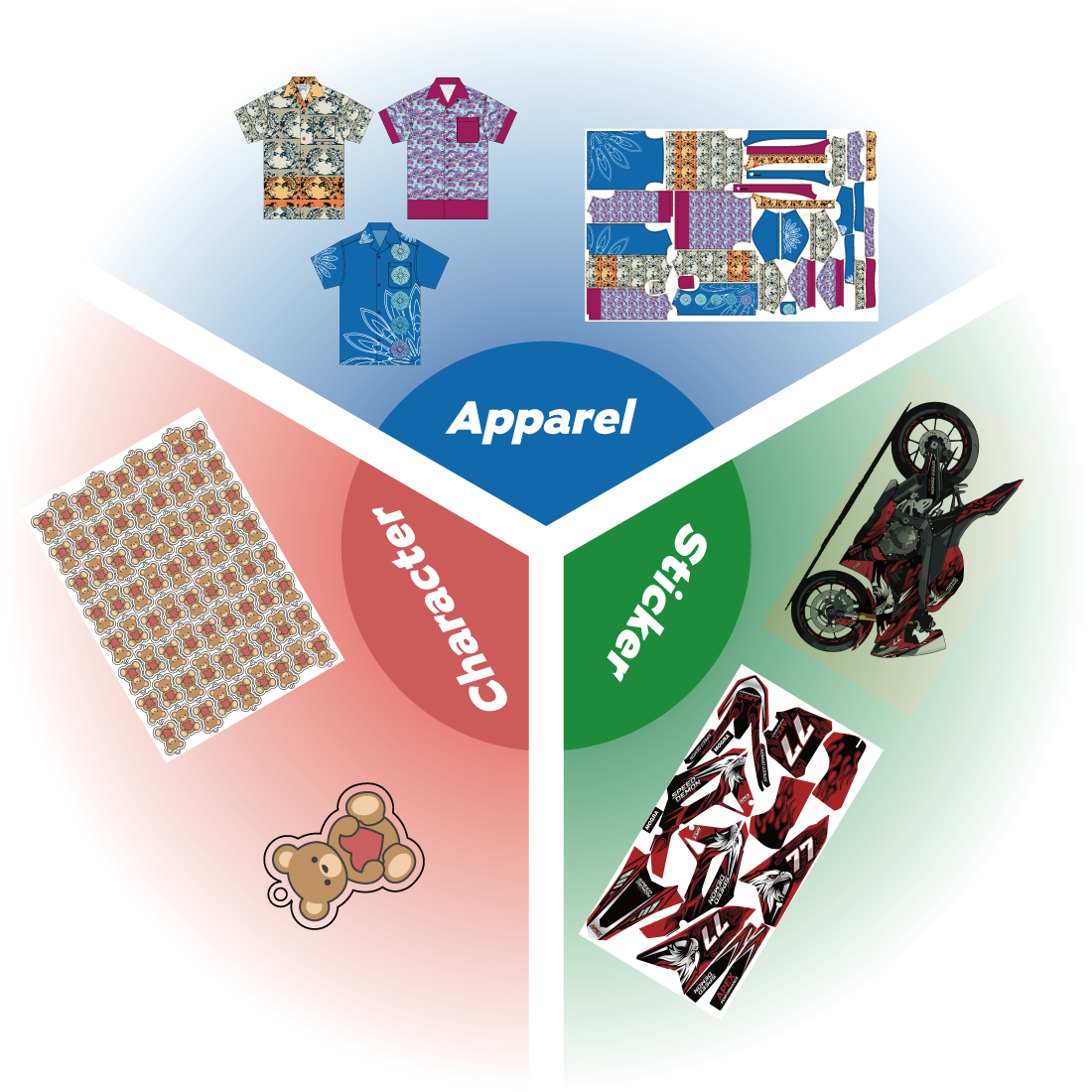
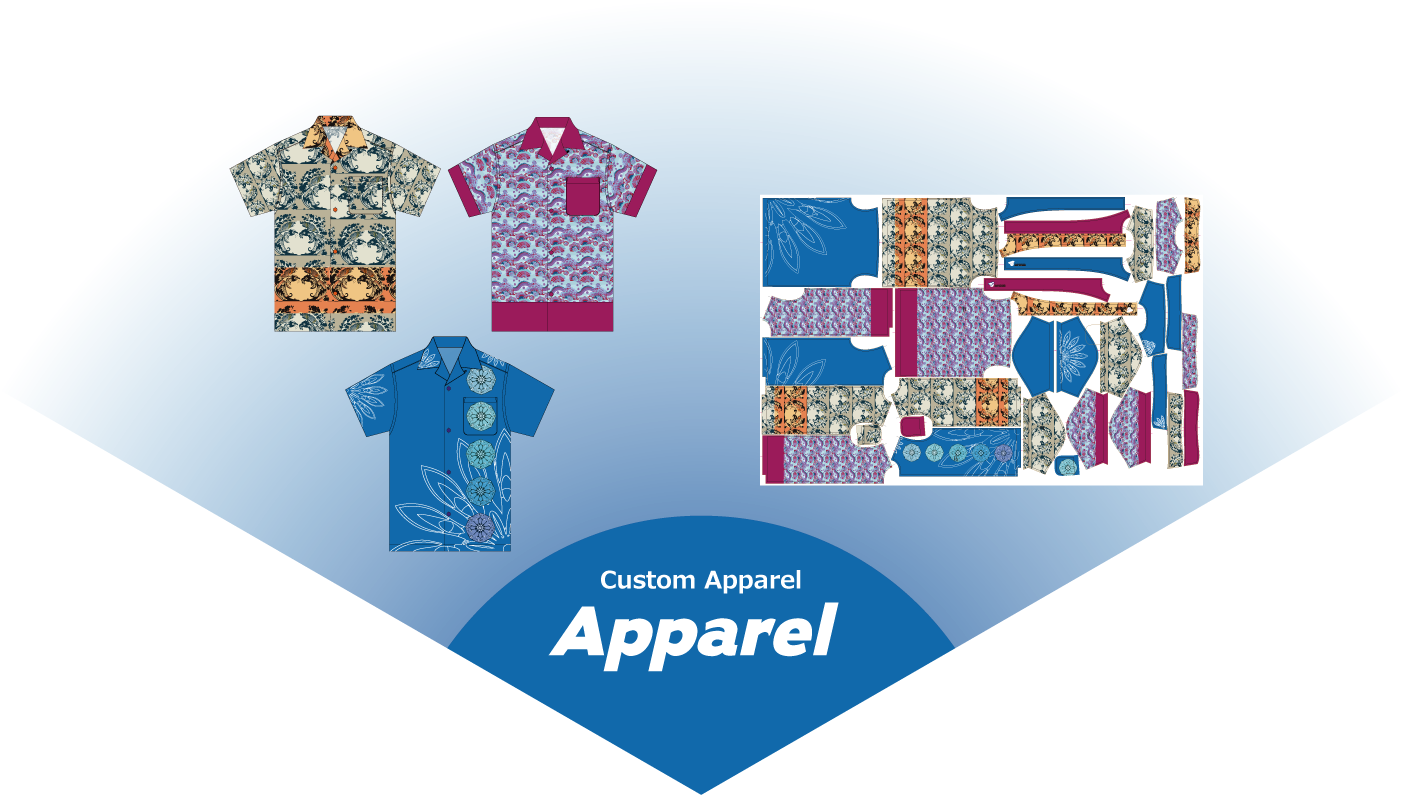
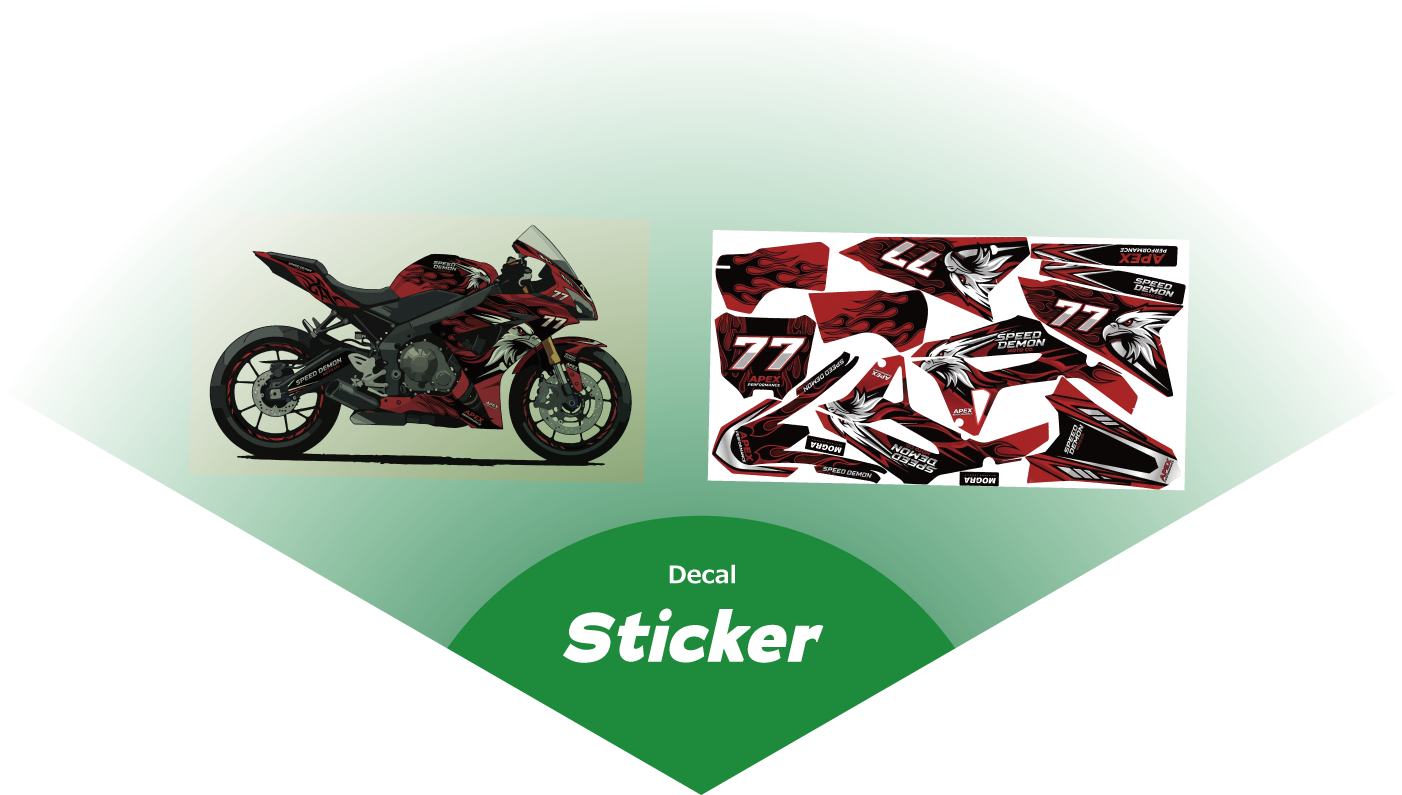
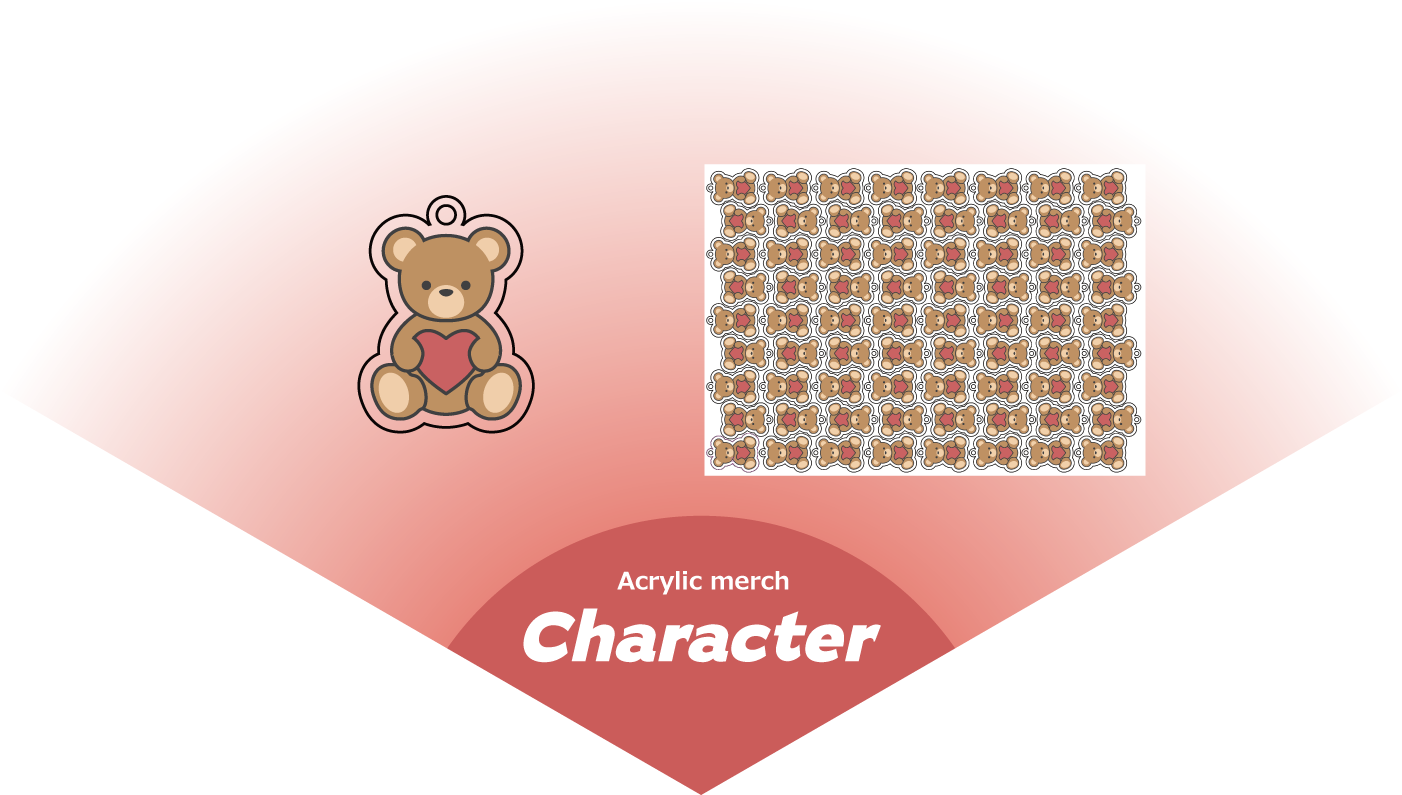
Nesting in Illustrator with Intact Layer Structures
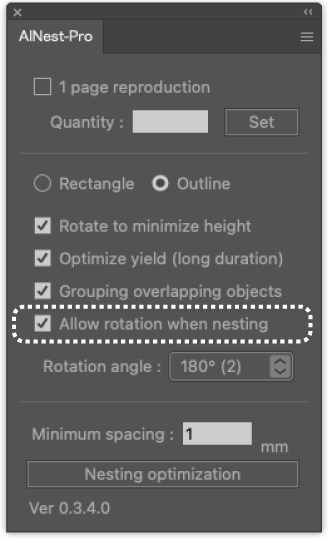
AINest-Pro is a plug-in that allows you to perform nesting directly within Illustrator.
Because it nests your designs while keeping layer structures—such as print data and cut lines—completely intact, you can seamlessly transition to your printing and cutting workflows.
Say goodbye to tedious and time-consuming manual work. AINest-Pro solves these headaches with highly efficient automatic placement that maximizes your material yield.
Fully Supports Clipping Masks Frequently Used in Illustrator
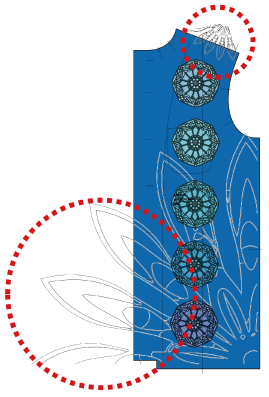
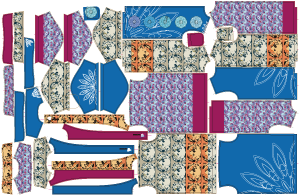
AINest-Pro is capable of performing nesting while fully accounting for the clipping masks frequently used in Illustrator.
When clipping masks are used in print data, the hidden portions of the design actually still exist within the file, as shown in the figure.
AINest-Pro can automatically process and virtually exclude these complex masked areas, ensuring the most optimal nesting layout.
Flexible Auto-Duplication Feature Essential for Acrylic Merch Production
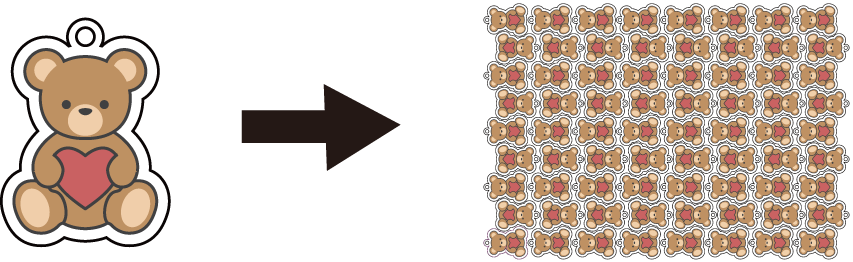
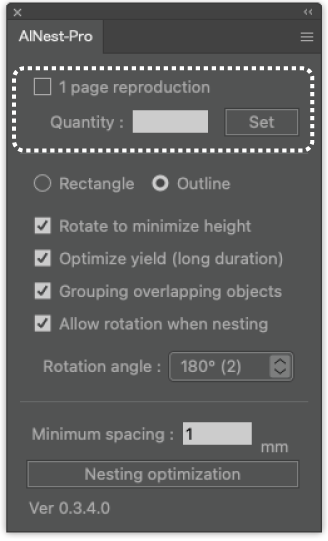
AINest-Pro is equipped with an auto-duplication feature that is incredibly useful for producing popular acrylic character accessories, such as fandom merch.
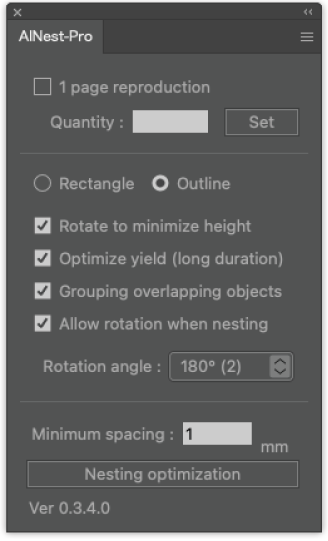
For example, if you want to duplicate and nest a character to fill an entire A3 sheet, simply check the [Fill 1 Page] option, as shown in the left figure.
Alternatively, if you need to nest a specific quantity, just enter the desired number (e.g., [Quantity: 50]) and click the [Set] button to confirm.
FAQ
Q. Can I preserve the “pattern fill” of objects while nesting?
A. Yes. When reproducing and nesting objects with pattern fills, AI Nest-Pro maintains the same pattern for all copies.
Q. Why do I see blank spaces after nesting.
A. Try selecting “Outline” in the AI Nest-Pro panel and nest again for tighter object placement.
Q. How long does the nesting process take?
A. The processing time depends on your computer’s performance. For comfortable use, we recommend a system with an 8-core or higher CPU and 32 GB of RAM.
AI Nest-Pro calculates object placement based on the Rotation Angle setting in the AI Nest-Pro panel. A smaller rotation angle allows for more precise nesting but may increase processing time. If your objects have various shapes and sizes, try using a smaller rotation value. For rectangular or similarly shaped objects, setting the angle to 45° or higher will help speed up the process.
Product Information
| Product Name | AI Nest-Pro |
| Pricing | Annual subscription: US$998.00 / year 3-Month subscription: US$255.00 / 3 months |
| System Requirements | Mac or Windows compatible with Adobe Illustrator 2024 / 2025 Recommended for faster processing: CPU: 8+ cores RAM: 32 GB |